Amazon main images, from a phone photo.
Amazon asks for the main image to sit on a pure white background, with the product filling the frame and enough pixels for hover zoom. Upload one clear phone photo, run a listing pack in Viszy, and download your 2000 x 2000 JPEG main image, gallery scenes, callout infographic and Amazon-fitted copy together.
2000 x 2000 pixels · 1:1 · 4:5 · 9:16 · listing copy included
Try a sample photo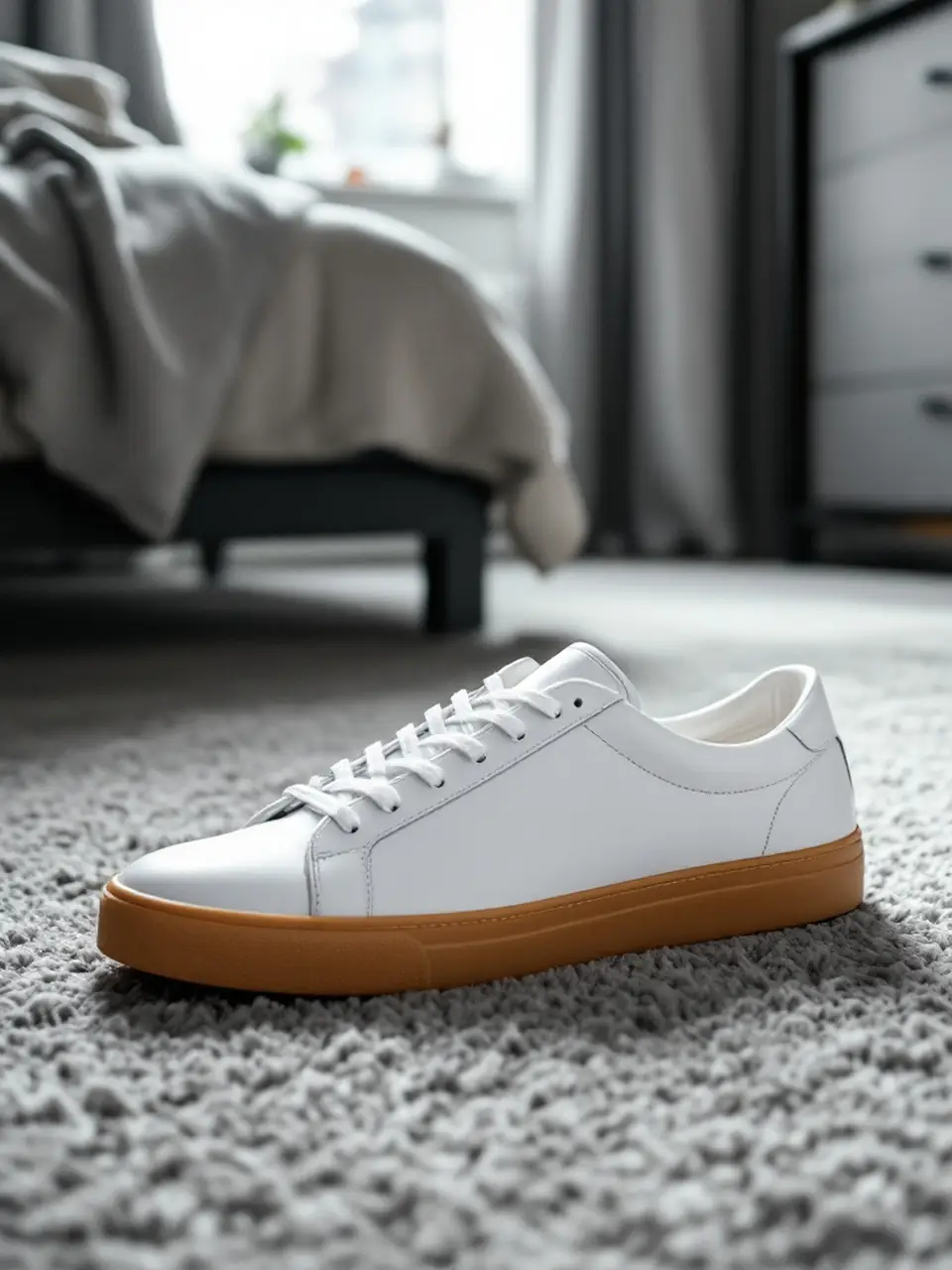
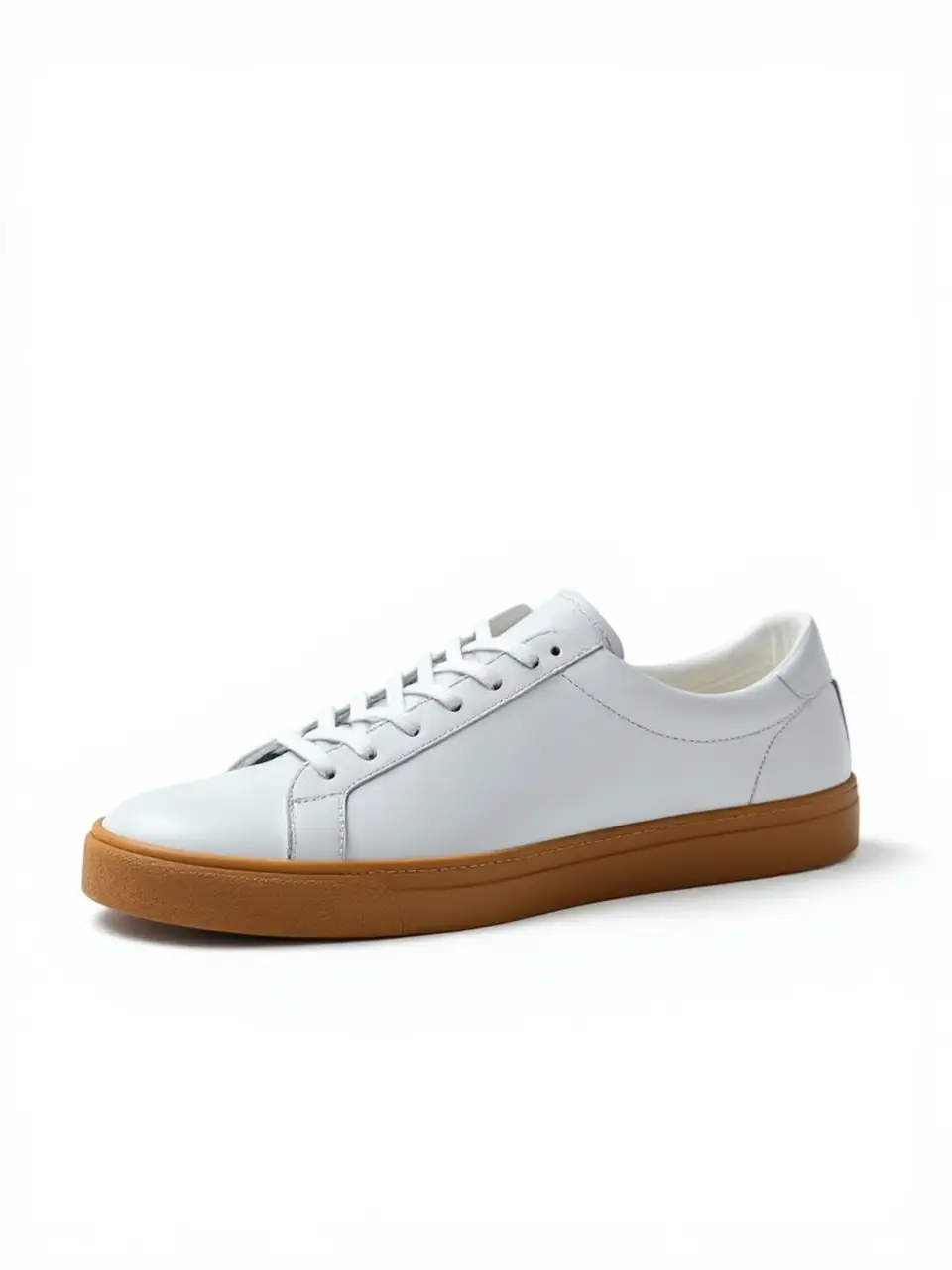
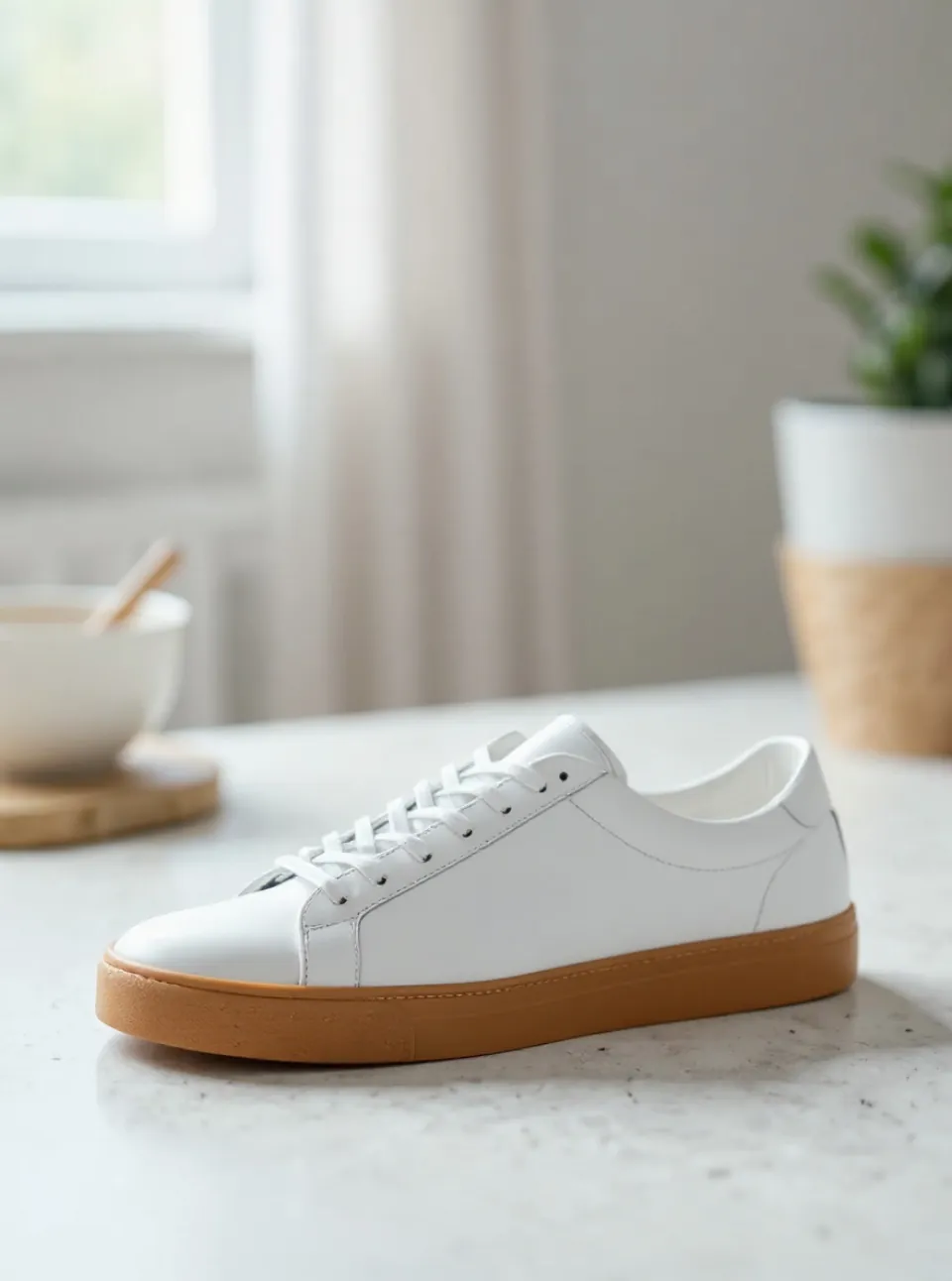
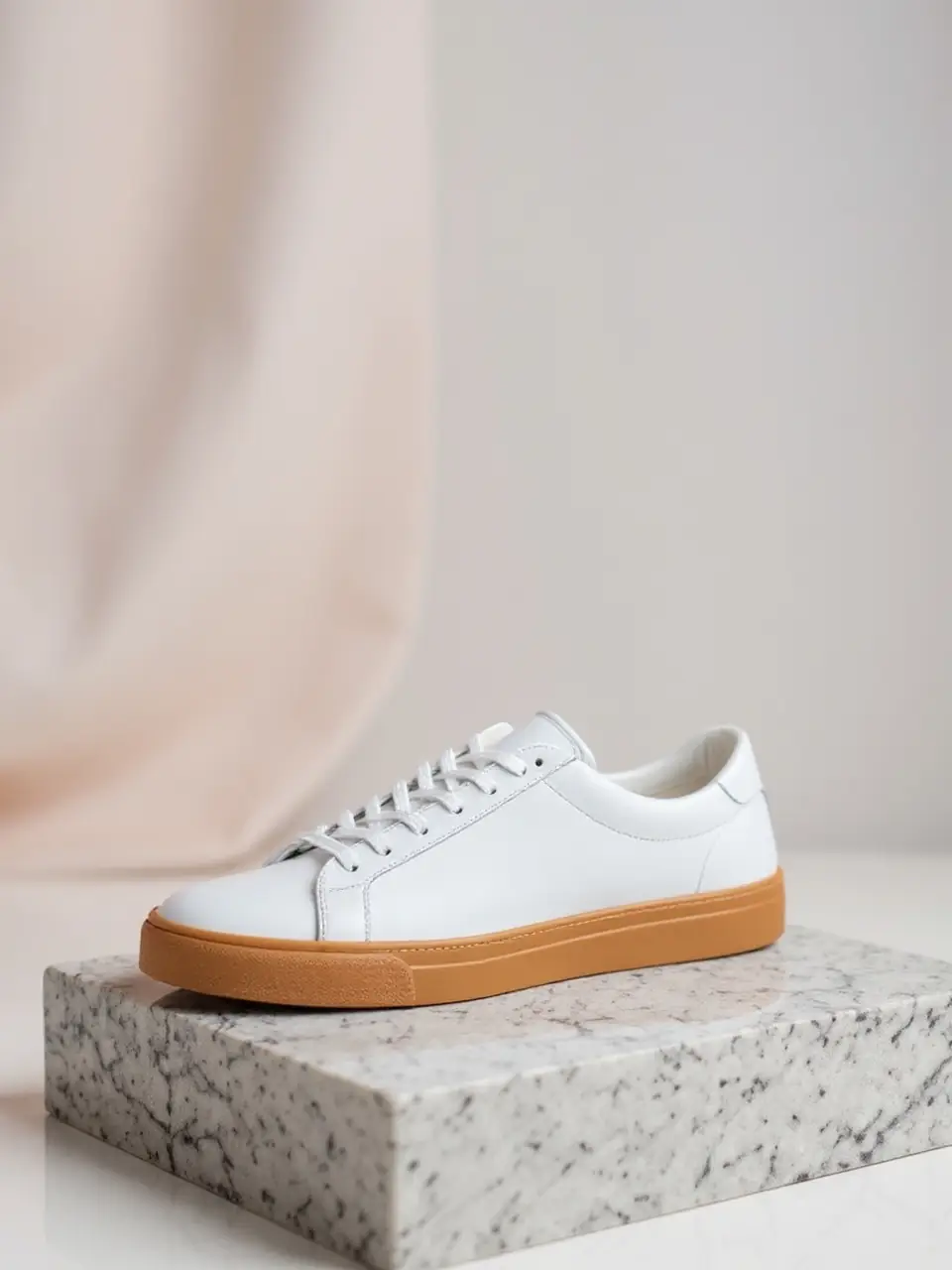
Before: Sample phone photo made for this page. After: unedited Viszy results from the same upload.
Starting with a phone photo? See the step-by-step Amazon listing guide for the full pack, from the original photo to the square export.
Amazon specifications
Exact Amazon image, video & copy rules
Amazon Seller Central enforces stricter slot-one compliance than any other marketplace. An off-white shadow backdrop, stray text overlay or small low-resolution image can trigger search suppression until you replace the file. Every number below comes from Amazon's published product image standards alongside the exact files Viszy produces.
| Specification | Amazon requirement | Viszy export |
|---|---|---|
| Main image size & ratio | 1:1 square recommended; minimum 500 px longest side to publish, 1600–2000 px ideal for desktop and high-DPI phone zoom. | 2000 x 2000 pixels JPEG, fitted whole on #FFFFFF without cropping any edge. |
| Zoom threshold | At least 1000 px on the longest side activates Amazon's hover-to-zoom loupe on desktop and pinch-zoom on mobile. | A 2000 x 2000 pixel export. Start with a sharp photo so details are visible in the original. |
| Main background & framing | Pure white (RGB 255, 255, 255) with no extra accessories, lifestyle props, colour borders, logos or callout text; item fills ~85% of the frame. | Use White background for a pure-white backdrop with a subtle contact shadow. Check the product edges against your original photo. |
| File format & colour profile | JPEG (.jpg preferred), PNG, TIFF or non-animated GIF in sRGB colour space; file size up to 10 MB. | Standard sRGB JPEG exported directly from the Size Pack, ready for Seller Central upload. |
| Gallery image slots | Up to 9 uploadable image slots (7 visible thumbnails on desktop before opening the lightbox), plus Brand Registry A+ modules. | 1-click listing pack creates pure-white main image, lifestyle scene, studio shot and callout infographic, plus single-image templates for extra angles. |
| Listing video | MP4 or MOV (16:9 or 1:1) showing the physical item clearly without misleading transitions or unverified claims. | 5-second product reveal, social promo clip or two-photo front-and-back turntable spin (20 credits each) plus 1-credit voiceover. |
| Title, bullets & description | Product title up to 200 characters (no promotional symbols like ! or $), 5 key bullet points, and description up to 2000 characters. | Listing copy builder formats your exact product name and selling points inside Amazon's limits with disallowed title symbols stripped. |
The Amazon download is 2000 x 2000 pixels, with your product fitted whole on white and never cropped. Every plan, free included, has the size pack.
Phone photo to published listing
From one phone photo to a complete Amazon listing pack
You do not need a lightbox, seamless sweep or Photoshop pen-tool cutout to publish compliant Amazon listings. Start with one clear phone photo on any well-lit table and let Viszy assemble the entire listing pack from that photo.
01
Take one sharp, well-lit phone photo
Place the item near a bright window on a plain table or counter and shoot straight-on or at a clean three-quarter angle. Keep the entire silhouette inside the frame with no fingers, clutter overlapping the edges or harsh flash glare across the label. If you plan to add a turntable listing video, capture a matching photo of the back as well.
Output · Clean source photo with accurate label text, stitching and colours.
02
Generate the pure-white main image and gallery scenes
Upload the photo into Viszy Studio and run a 4-credit listing pack or individual templates. White background removes the domestic room and sets the item cleanly on #FFFFFF for slot 1, while Lifestyle scene and Studio shot produce natural daylight and stone-plinth images for slots 2 through 4. Compare the shape, logo and packaging text with the original before uploading.
Output · Slot-one compliant main shot plus editorial gallery frames from one upload.
03
Compose a callout infographic in real typography
Amazon shoppers scan gallery images before reading five dense bullet points. Type up to three factual product specs—materials, dimensions, capacity or what is inside the box—and Viszy renders the callout graphic in crisp browser typography on top of your finished shot, styled with your brand-kit colour and badge shape. Nothing is diffusion-drawn, so every millimetre, ounce and ingredient stays spelled exactly as you typed it.
Output · Readable, error-free feature callout built from your own specifications.
04
Download the 2000 x 2000 Amazon file and copy
Open the Size Pack to download your 2000 x 2000 pixels Amazon JPEG alongside 1:1, 4:5 and 9:16 exports for external ads. Copy the Amazon-formatted title and bullet points in one click and paste them straight into Seller Central, then optionally spend 20 credits on a 5-second reveal or two-photo turntable clip for the video slot.
Output · Ready-to-upload Seller Central assets in minutes, not days.
White leather low-top sneaker – Smooth white leather upper, Natural gum rubber sole, Classic lace-up everyday fit
- Smooth white leather upper
- Natural gum rubber sole
- Classic lace-up everyday fit
Product description: White leather low-top sneaker: Smooth white leather upper. Natural gum rubber sole. Classic lace-up everyday fit.
Gallery architecture
Recommended Amazon gallery slot plan
Amazon shows six or seven thumbnails immediately beside the buy box on desktop and lets mobile buyers swipe straight across the strip. Treating every slot as a distinct buyer question keeps the gallery clear without repeating near-identical shots.
Slot 01
Main search image
White background · 2000 × 2000
Pure #FFFFFF backdrop, whole item centred at ~85% fill, zero text, badges or extra props so Seller Central never suppresses the ASIN.
Slot 02
Key specs callout infographic
Callout infographic · real type
Surface your top three concrete facts—material, capacity, weight or compatibility—so mobile shoppers grasp the item on the second swipe.
Slot 03
Everyday lifestyle context
Lifestyle scene
Place the product on a believable counter, desk or surface in soft daylight so buyers immediately read realistic scale and finish.
Slot 04
Premium brand & finish detail
Studio product shot
Mount the product on a pale stone plinth with controlled studio light to highlight surface texture, matte finishes or packaging quality.
Slot 05
Bundle, accessories or box contents
Flat lay
Show everything included in the shipment from above—included cables, spare parts, pouch or gift box—to cut down on buyer uncertainty.
Slot 06–07
Listing video & seasonal refresh
Product reveal / Turntable spin + Seasonal promo
Pair a 5-second reveal or two-photo turntable clip with Prime Day, Black Friday or holiday campaign frames (leaving clear top space for compliant A+ headlines).
Pre-publish verification
What to aim for on Amazon — and mistakes to avoid
Run through these six checks before saving your listing in Seller Central. Every item below reflects Amazon's published image checks and common causes of preventable gallery rejections.
Before you publish
Amazon listing checklist
- Confirm slot 1 sits on pure white (#FFFFFF) with no grey tabletop cast, border or shadow spilling to the canvas edge.
- Verify the exported file is 2000 x 2000 pixels so hover zoom activates immediately on desktop and stays crisp on Retina phones.
- Inspect your product's printed label, logo, colour and seam details against the physical sample before publishing.
- Keep badges, bullet overlays and lifestyle backgrounds strictly in slots 2 through 7—never on the primary search image.
- Check that your product title stays under 200 characters and contains no banned characters (!, $, ?, _, {, }, ^, ~, *).
- Match every product claim on your callout infographic word-for-word with the five bullet points and physical packaging.
Core platform rules
- The main image sits on a pure white background (RGB 255, 255, 255).
- 1000 px or more on the longest side turns on Amazon hover zoom.
- The product fills roughly 85% of the frame and is never cropped.
- Slot 1 carries no props, watermarks, badges, borders or promotional text.
Avoid rejections & reshoots
Common Amazon photo mistakes
- Uploading a grey or cream DIY backdrop on slot 1
- Home lightboxes and white poster board almost always meter around RGB 235–245, which looks visibly dingy beside pure-white search tiles and can trigger suppression. Viszy's White background template sets the canvas cleanly to #FFFFFF.
- Putting callout text or 'Best Seller' badges on the main image
- Amazon removes listings from search when text, icons or ribbons appear on slot 1. Keep slot 1 strictly product-only and move your three selling points to slot 2 using Viszy's real-type callout infographic.
- Skipping the check on small packaging text
- Generated images can change fine print. Compare brand names, dosage numbers and ingredient labels with your original photo before uploading.
- Uploading small photos under 1000 px that disable zoom
- Buyers expect hover zoom on Amazon to inspect materials and specs. Viszy's Amazon Size Pack always exports at 2000 x 2000 pixels so zoom turns on automatically.
Simple credits · no lock-in
Pay per Amazon listing pack, or buy credits once
Start with 10 free starter credits (watermarked for personal preview, no card needed) to inspect a lifestyle scene and callout infographic on your own Amazon product. When you are ready to publish watermark-free with a commercial licence, grab the one-off Launch Pack (50 credits — about 12 complete listing packs, no subscription) or choose Plus, Pro or Studio on /pricing. Prices include VAT, and /pricing and checkout show and charge your own currency.
1 credit = 1 image · a listing pack = 4 credits · a 5‑second clip = 20 credits · a voiceover = 1 credit
One-off · no subscription
Launching 1–3 products? Buy credits once.
Watermark-free with a commercial licence. Pack credits stay on your account until you use them.
Questions
Amazon seller FAQ
- What size is the Amazon download?
- 2000 x 2000 pixels, a JPEG with your product fitted whole on white. Amazon turns on zoom from 1000 px on the longest side, so 2000 x 2000 gives crisp hover zoom on desktop and mobile.
- Do I need a white background photo to start?
- No. Start with a clear phone photo on a table or counter. Use the White background template for a pure-white backdrop.
- Will Viszy change my product's label, logo or packaging text?
- Viszy aims to keep your product as it is. Generated images can change your product’s shape, colours, logo or label text. Check them against your original photo before publishing.
- How does Viszy avoid garbled text on Amazon infographic images?
- Viszy composes callout infographics in the browser using real typography from the exact selling points you type—never diffusion-drawn letters—so every dimension, material and unit is spelled accurately.
- Can I create a whole Amazon gallery plus video from the same credits?
- Yes. Every credit works across images and clips: 1 credit for a single image, 4 credits for a 4-image listing pack, 20 credits for a 5-second reveal or two-photo turntable video, and 1 credit for a voiceover.
- Do paid Viszy images include a commercial licence for Amazon FBA and FBM?
- Yes. Every paid credit—whether bought once in the Launch Pack or included in Plus, Pro or Studio—removes the watermark and includes commercial usage rights for your storefront listings.
Your next listing
Starts with the photo already on your phone.
Make one free lifestyle image with your own product. No account or card needed.