Turn a phone photo into an Amazon listing
Start with one clear shot of the product you ship. In Viszy, make a white-background main image, two gallery scenes and a feature callout. Then export the main image as a 2000 × 2000 JPEG for Seller Central.
Start free in StudioTry your first photo without an account or card.
Try a sample photo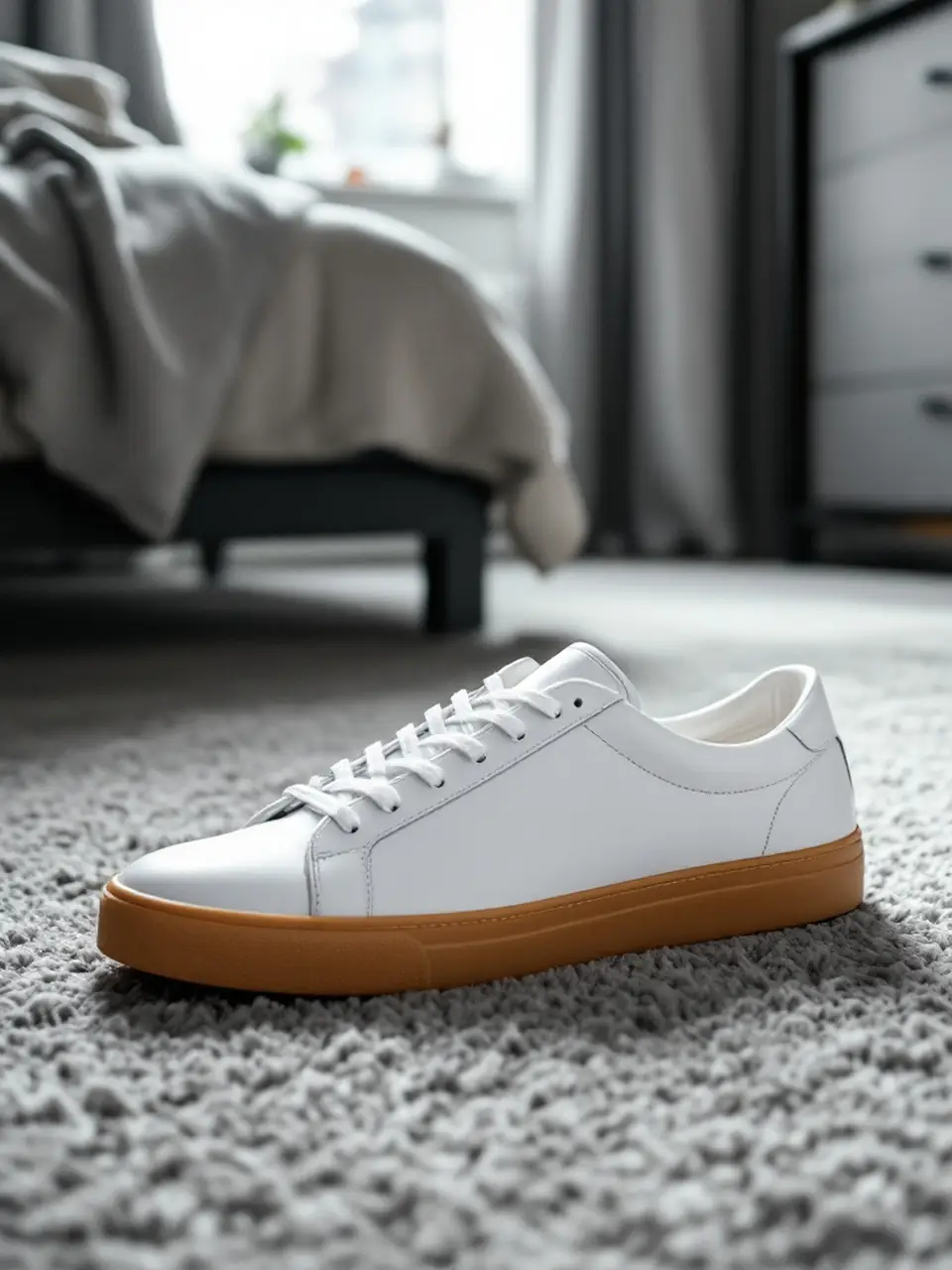
Before · Phone photo
Sample phone photo made for this page
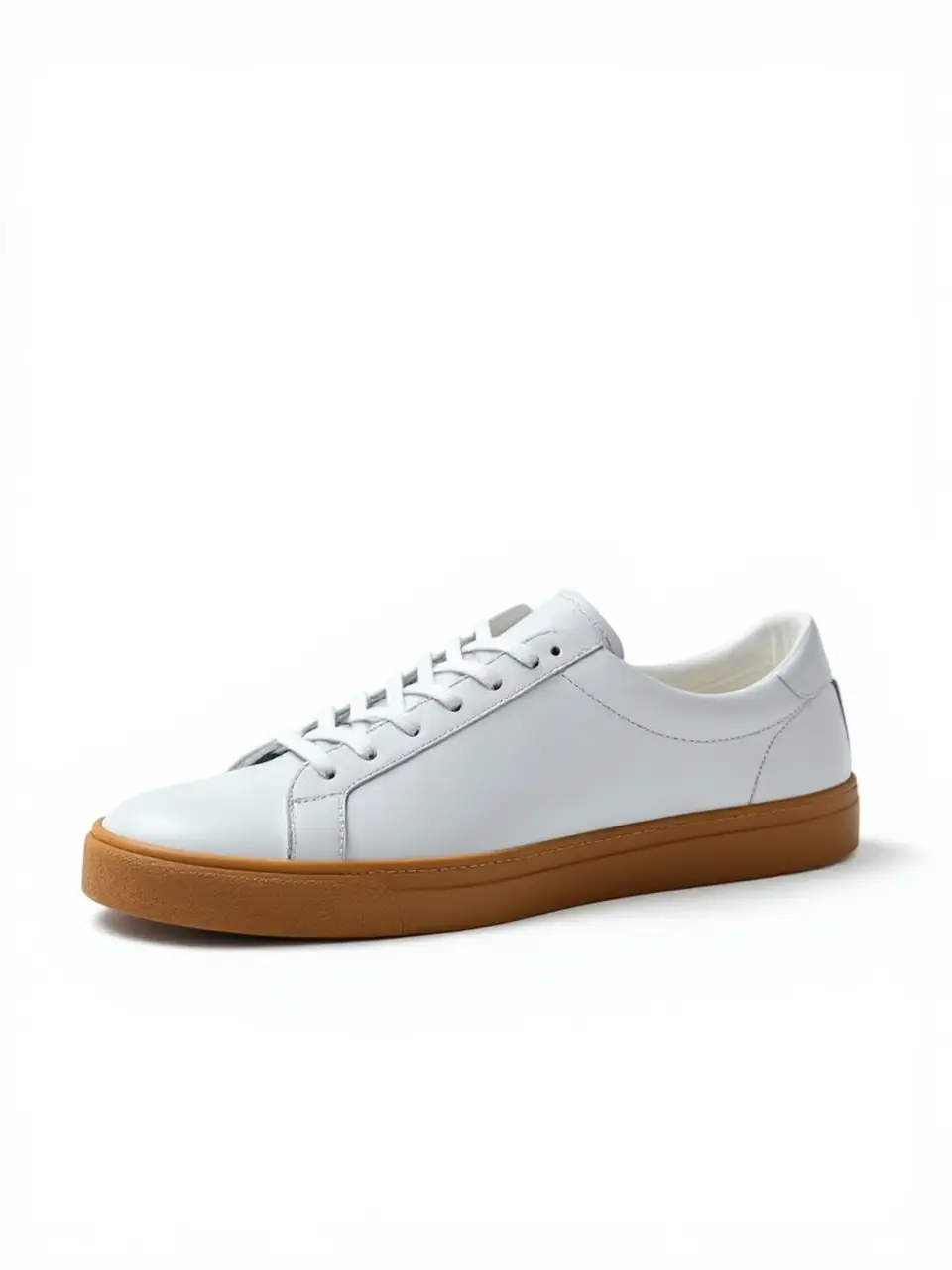
01 · White background
Viszy result from the same upload. Use the white image for slot one.
From camera roll to Seller Central
1. Take a clear reference photo
Use soft daylight and leave space around the product. Photograph the exact colour and variant you sell, with the label legible and every edge in frame.
2. Make a listing pack in Studio
Upload the photo and open Listing pack. Enter your product name and up to three facts you can verify, such as material, capacity or what comes in the box.
3. Check the results and export
Compare the images with the item in hand. Choose Amazon under Marketplace sizes, then upload the plain white image first and add the other images to the gallery.
The same sneaker, one source photo
What goes in the Amazon image pack
The white shot above is plate 01. Here are the gallery plates, the feature graphic and the square export. Marketplace sizing reuses a finished image.
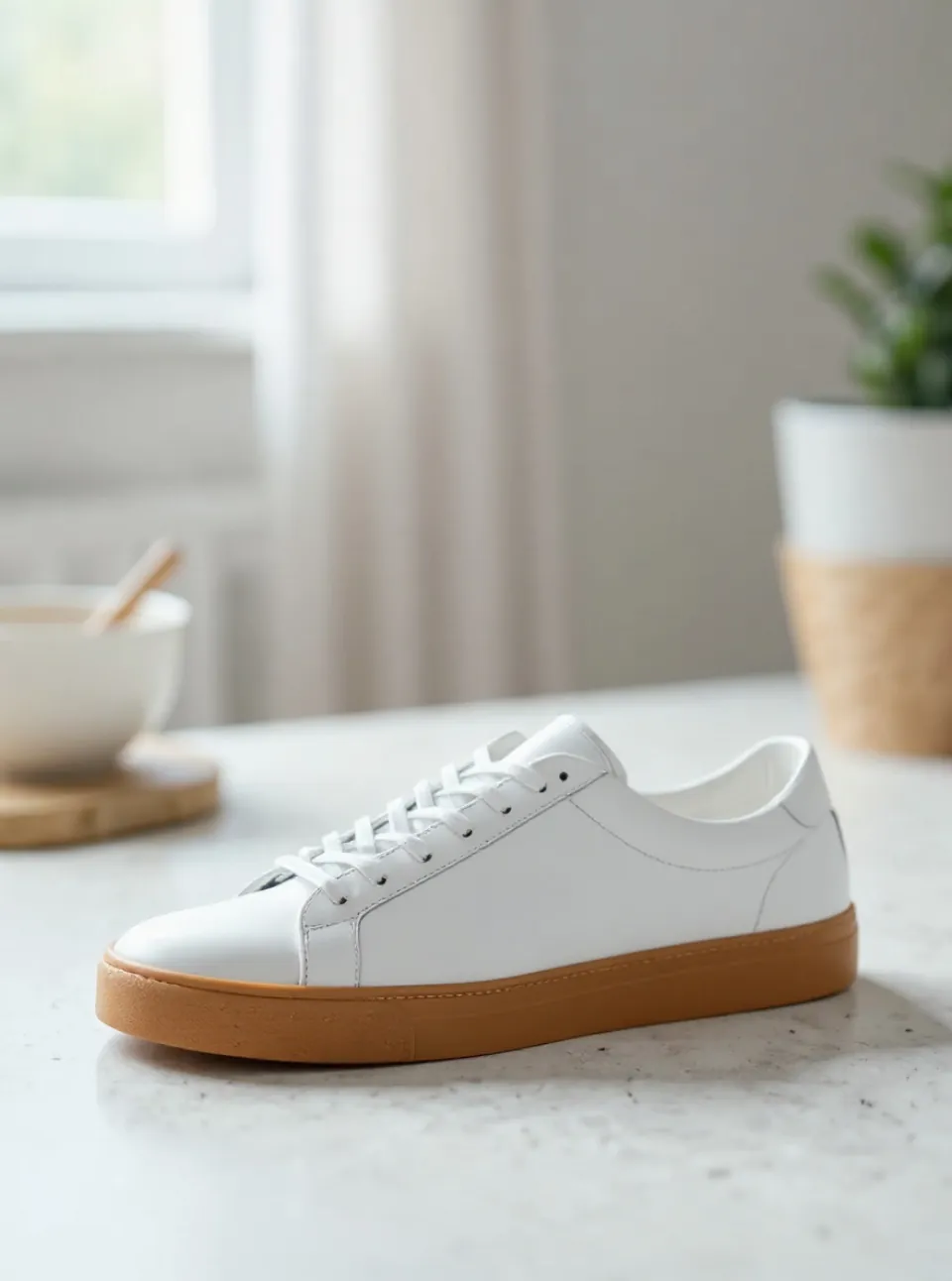
02 · Lifestyle scene
Show the product in a believable setting.
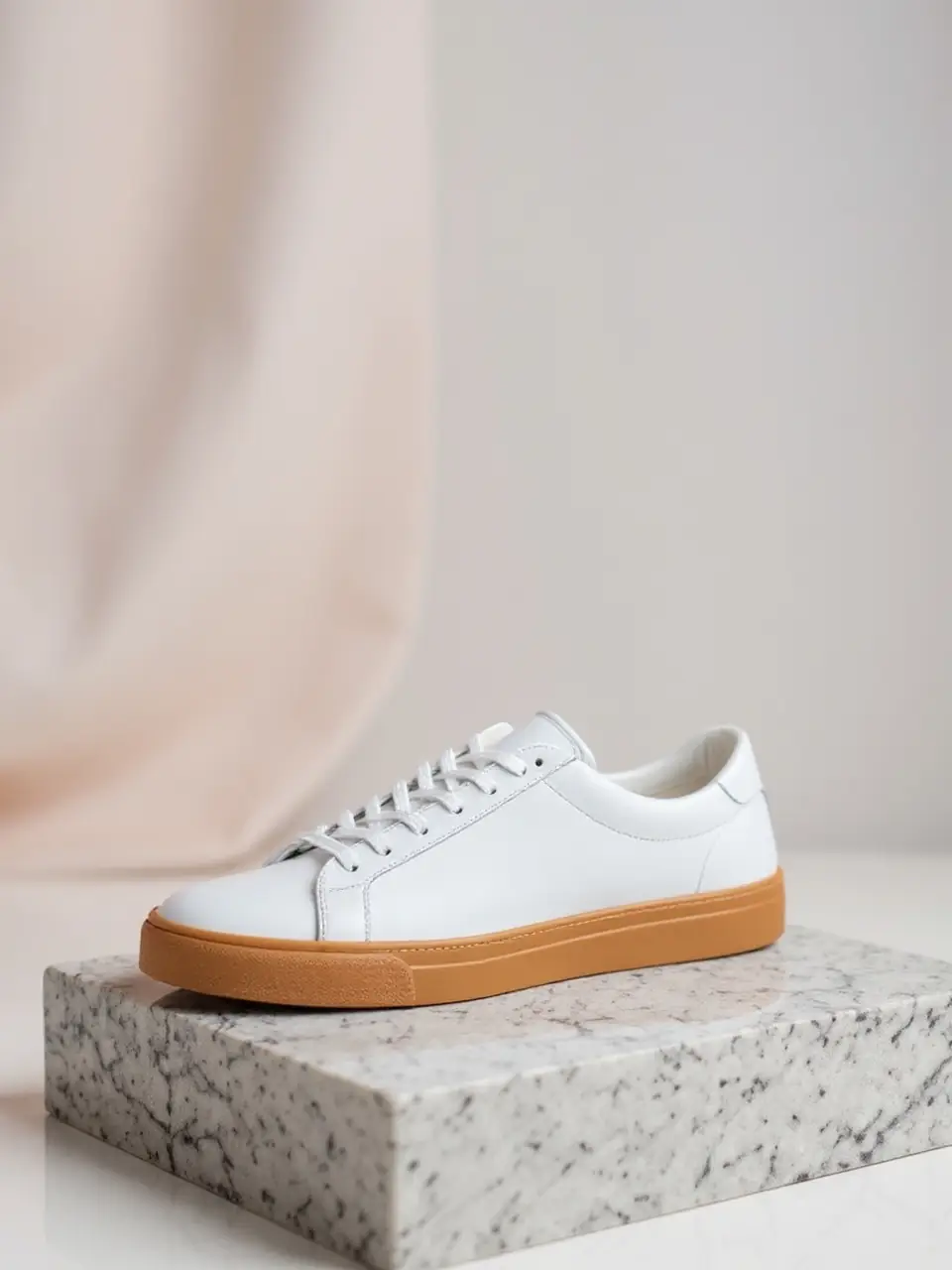
03 · Studio shot
Give shoppers another look at the silhouette and finish.
White low-top sneaker
- 1White leather upper
- 2Gum rubber sole
- 3Lace-up fit
05 · Marketplace sizes
2000 × 2000 JPEG. Square framing preview.
Use the white background for the first slot and keep added text and props out of that image. For category-specific checks, see the Amazon image and listing specifications.
Try it before you publish
A complete listing pack costs 4 credits. Starter includes 10 free credits for watermarked personal previews. No card needed. Use paid credits when you're ready for watermark-free exports with a commercial licence.
One-off · no subscription
Launching 1–3 products? Buy credits once.
Watermark-free with a commercial licence. Pack credits stay on your account until you use them.
- Launch Pack$9 USD50 credits · ~12 listing packs
- 100 credits$12 USD100 credits · ~25 listing packs
- 300 credits$29 USD300 credits · ~75 listing packs
Amazon listing questions
Can I start with a photo I took on my phone?
Yes. Use a sharp, well-lit photo of the exact product and variant you sell. Keep the whole product in frame and make sure its label and edges are readable. Viszy uses that photo as the reference for the pack.
Which image goes first on Amazon?
Use the plain white, product-only image as your main image. Keep lifestyle props, added text and callouts in supporting images, where your category permits them. Check your category's requirements in Seller Central before uploading.
What size does Viszy export for Amazon?
Choose Amazon under Marketplace sizes for a 2000 × 2000 JPEG. Viszy fits the whole image on a square canvas without cropping. Check the product still fills the frame in Seller Central.
Can I try it free before buying credits?
A complete listing pack costs 4 credits. Starter includes 10 free credits for watermarked personal previews. No card needed. Use paid credits when you're ready for watermark-free exports with a commercial licence. The one-time Launch Pack gives you 50 credits for US$9 in the US, with no subscription. See Pricing for your currency.