TikTok Shop images and clips from one photo.
TikTok Shop asks for a square main image of at least 600 x 600 on a clean white background, and buyers expect fast visual clarity plus motion clips when tapping from the feed into the product card. Upload one phone photo to export a crisp 1200 x 1200 main image, lifestyle gallery frames, callout specs, copy and a 5-second promo or turntable clip.
1200 x 1200 pixels · 1:1 · 4:5 · 9:16 · listing copy included
Try a sample photo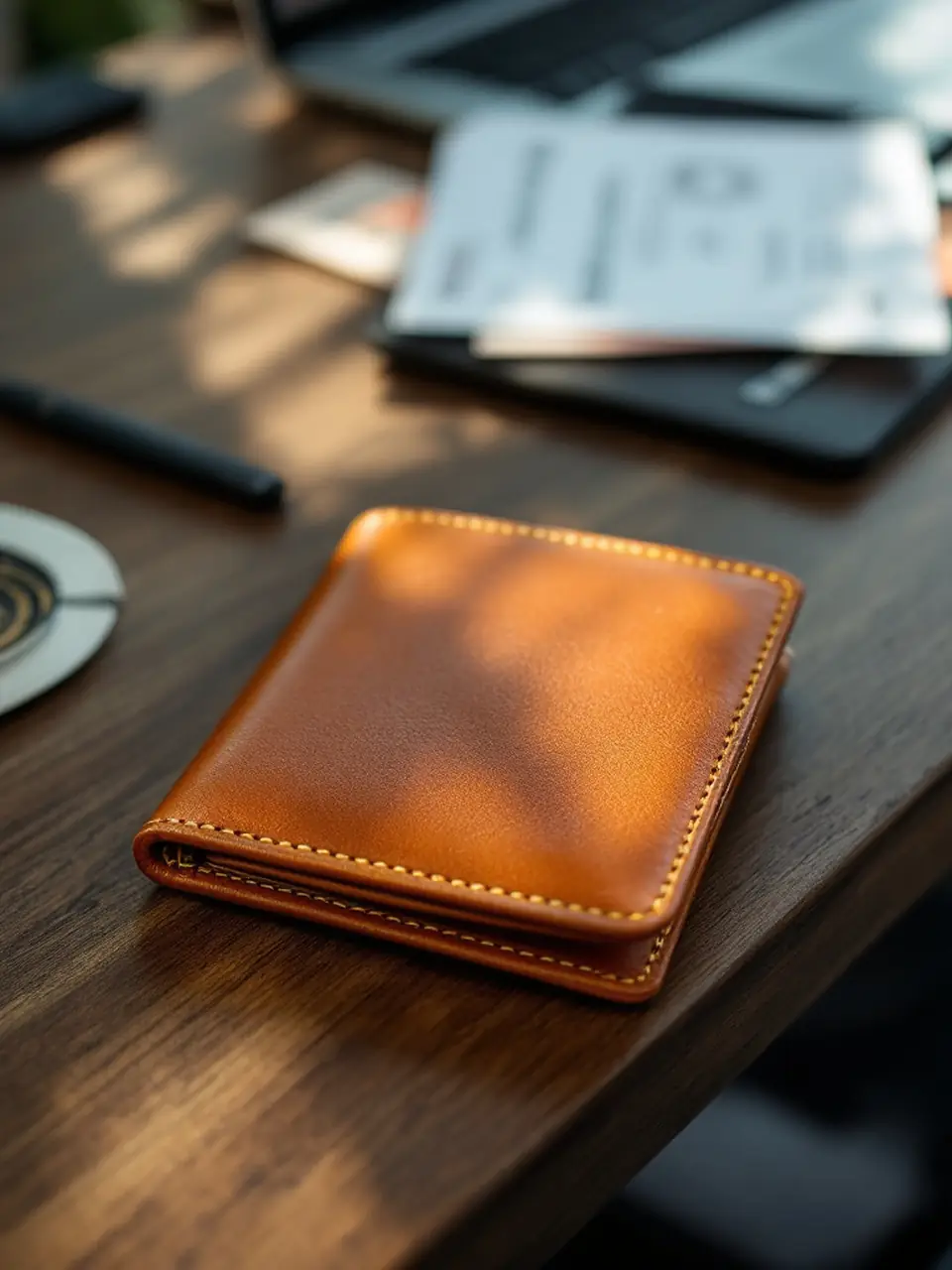
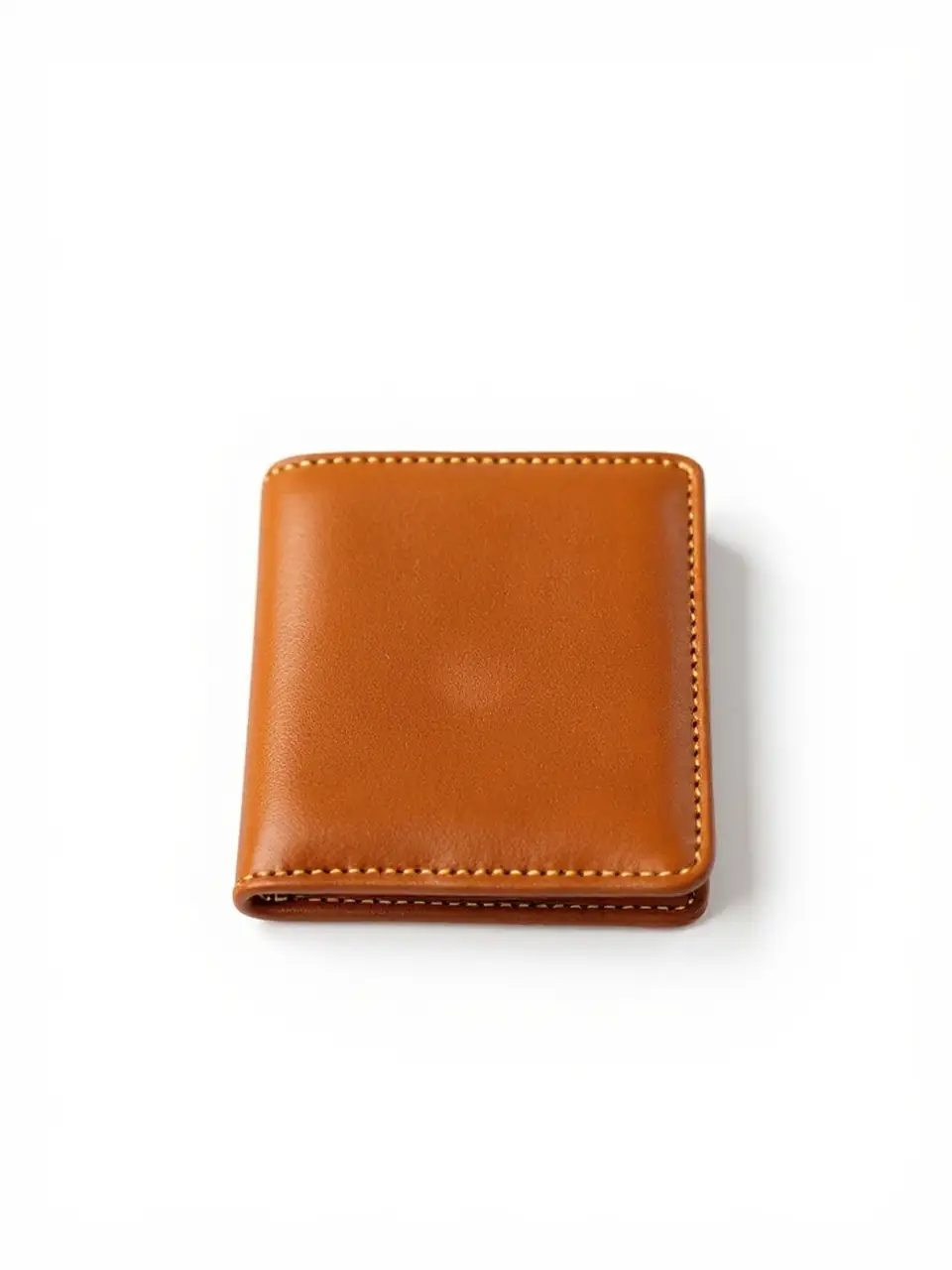
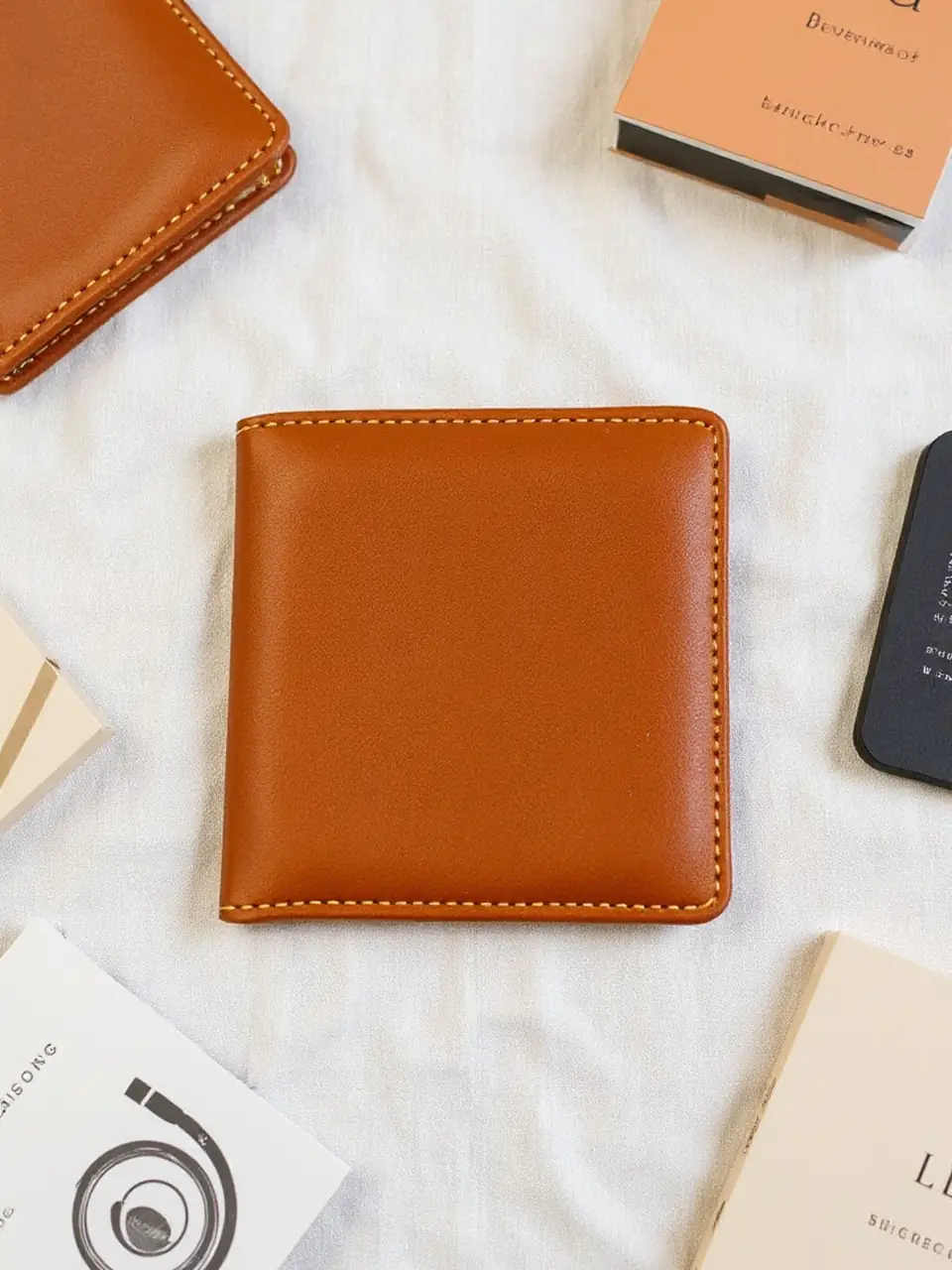
Before: Sample phone photo made for this page. After: unedited Viszy results from the same upload.
TikTok Shop specifications
Exact TikTok Shop image, video & copy rules
TikTok Shop sits at the intersection of strict marketplace catalogue moderation and fast mobile discovery. Product cards in the Shop Tab and live anchor drawers demand clean 1:1 thumbnails on white, while feed shoppers expect bold lifestyle frames, legible callouts and short motion video. Here is how TikTok Shop's published standards line up with Viszy's exports.
| Specification | TikTok Shop requirement | Viszy export |
|---|---|---|
| Main image size & ratio | 1:1 square aspect ratio required; minimum 600 x 600 px, 1200 x 1200 px recommended for sharp mobile zoom. | 1200 x 1200 pixels square JPEG, with your product fitted whole on white and never cropped. |
| Main background & compliance | Clean solid white background for slot 1; avoid watermarks, price tags, external URLs or crowded graphic badges that fail listing review. | Use the White background template for a pure-white backdrop. Check details such as stitching and logos against your original. |
| File format & upload limit | JPG or PNG format, up to 5 MB per image file. | Optimised sRGB JPEG well under 5 MB, ready to drop straight into Seller Center. |
| Gallery photo slots | Up to 9 product gallery images per listing plus colour/style variant thumbnails. | Listing pack creates main image, lifestyle scene, studio/flat-lay frame and real-type callout infographic in one 4-credit run. |
| Shoppable video & aspect crops | Product card video (1:1 or 9:16 MP4) plus short-form feed creatives; vertical 9:16 and 4:5 formats fill phone screens cleanly. | 1:1 · 4:5 · 9:16 exports, plus 5-second Social promo clip, Product reveal or two-photo Turntable spin (20 credits) and 1-credit voiceovers. |
| Title & product description | Product name up to 255 characters plus structured key features and up to 1000-character description. | Listing copy builder generates a clean TikTok Shop product name, scannable feature bullets and concise description from your own product notes. |
The TikTok Shop download is 1200 x 1200 pixels, with your product fitted whole on white and never cropped. Every plan, free included, has the size pack.
Phone photo to published listing
From one phone photo to a complete TikTok Shop listing pack
Selling on TikTok Shop means moving quickly when a product catches interest—waiting two weeks for a studio shoot or video editor slows down every launch. Viszy builds your compliant Shop Tab photos, vertical social assets, motion clip and voiceover from one phone photo.
01
Snap one clean phone photo (plus the back for a spin)
Shoot your product in even daylight on a desk or table with the whole item clearly visible. For Turntable spin, take a front and back photo so the clip has a reference for each side.
Output · Accurate product capture ready for both still plates and motion video.
02
Build the 1200 x 1200 white main shot and gallery scenes
Use White background for your compliant 1200 x 1200 square slot-one tile, then run Flat lay, Lifestyle scene or Studio shot from the same photo to fill the product-card gallery. Compare each result with the original photo to check materials, colours and branding.
Output · Complete, review-ready TikTok Shop gallery in minutes.
03
Turn your top three specs into a thumb-friendly callout plate
Shoppers tapping an anchor link from a short video decide quickly on phone screens. Viszy's callout infographic renders your three key specs in crisp, high-contrast real type—no illegible tiny text or mangled AI spelling—so features read instantly at mobile width.
Output · Clear, mobile-legible feature graphic using your own brand palette.
04
Animate a 5-second clip and add a voiceover from the same credits
Turn your finished product image into a lively 5-second Social promo clip, a smooth Product reveal, or a two-photo Turntable spin for 20 credits, and optionally generate a natural spoken Product or Sale voiceover for 1 credit. Download 1:1, 4:5 and 9:16 exports alongside your TikTok Shop copy.
Output · Product card photos, listing video and spoken promo audio from one studio.
Full-grain tan leather bifold wallet – Six slim card slots, Stitched full-grain leather, Compact front-pocket profile
- Six slim card slots
- Stitched full-grain leather
- Compact front-pocket profile
Product description: Full-grain tan leather bifold wallet: Six slim card slots. Stitched full-grain leather. Compact front-pocket profile.
Gallery architecture
Recommended TikTok Shop gallery slot plan
TikTok Shop allows up to 9 product images plus video on every listing card. Because almost every visit happens on a phone, ordering your gallery for fast vertical thumb scanning makes the product immediately understandable.
Image 01
Compliant white main thumbnail
White background · 1200 × 1200
Square 1:1 product-only shot on #FFFFFF so your product card passes TikTok Shop review and reads cleanly inside Shop Tab search grids and live trays.
Image 02
Instant feature callout card
Callout infographic · real type
Put three concrete product specs—pocket count, dimensions, material or battery rating—in large legible typography for fast mobile swipers.
Image 03
Flat-lay or lifestyle context
Flat lay / Lifestyle scene
Pair the item with believable everyday context (desk, linen surface, bathroom shelf) so shoppers gauge real-world size right away.
Image 04
Studio material & finish highlight
Studio product shot
Clean plinth lighting highlights leather stitching, matte silicone or metallic hardware without distracting clutter.
Image 05
Flash-sale & seasonal campaign tile
Black Friday / Summer deal / Seasonal promo
The template aims to leave room for your deal text. Check that the space is clear before adding your own banner.
Video slot
5-second motion clip + optional voiceover
Social promo clip / Turntable spin + Product voiceover
Add motion right inside the listing gallery or feed creative; two-photo Turntable spin turns smoothly from your real front photo to your real back photo.
Pre-publish verification
What to aim for on TikTok Shop — and mistakes to avoid
Check these six details before submitting a new SKU or campaign update in TikTok Shop Seller Center.
Before you publish
TikTok Shop listing checklist
- Verify image 1 is exactly 1:1 square (1200 x 1200 pixels) on clean white with zero watermarks, price stickers or promotional badges.
- Confirm every uploaded image is JPG or PNG under 5 MB and loads sharply when pinched to zoom on a phone.
- Check that your product's exact colour, label, logo and finish match the physical stock you ship to buyers.
- Keep infographic callout text concise and large enough to read effortlessly on a 390 px phone screen.
- In your Turntable spin clip, check front and back details against both original photos.
- Paste your TikTok Shop product name (under 255 characters) and scannable feature bullets so text and visuals match.
Core platform rules
- A 1:1 square main image, at least 600 x 600 px (1200 x 1200 recommended for crisp card zoom).
- The main image sits cleanly on a white background with no promotional stickers or clutter.
- Combine square product-card photos with short vertical or square motion clips for shoppable feeds.
- Keep product details scannable for thumb-scrolling phone shoppers.
Avoid rejections & reshoots
Common TikTok Shop photo mistakes
- Uploading cluttered promotional badges on slot 1
- TikTok Shop moderation routinely flags or rejects main images covered in discount stickers, borders or watermarks. Keep slot 1 pure product on white and save callouts for slot 2.
- Using rectangular landscape photos that crop awkwardly in square Shop Tab cards
- Non-square uploads get squashed or centre-cropped unpredictably in live shopping trays. Viszy's 1200 x 1200 TikTok Shop export fits the entire item cleanly inside 1:1.
- Making a spin without a photo of the back
- A front photo cannot show what is on the back. For Turntable spin, upload both views and compare details such as back logos with the originals before publishing.
- Paying for separate photo, video and voiceover subscriptions
- Viszy runs photos, listing packs, 5-second clips and spoken voiceovers on one shared credit balance—including the one-off Launch Pack with no recurring fee.
Simple credits · no lock-in
Pay per TikTok Shop listing pack, or buy credits once
Test Viszy free with 10 starter credits (watermarked preview, no card needed). Every paid credit works across photos, 5-second promo or turntable clips (20 credits) and voiceovers (1 credit)—including the one-off Launch Pack (50 credits, no subscription) or monthly/yearly Plus, Pro and Studio plans on /pricing. Prices include VAT and match your local currency at checkout.
1 credit = 1 image · a listing pack = 4 credits · a 5‑second clip = 20 credits · a voiceover = 1 credit
One-off · no subscription
Launching 1–3 products? Buy credits once.
Watermark-free with a commercial licence. Pack credits stay on your account until you use them.
Questions
TikTok Shop seller FAQ
- What size is the TikTok Shop download?
- 1200 x 1200 pixels, square (1:1), JPEG with your product fitted whole on a pure white background—double TikTok Shop's 600 x 600 minimum so product cards stay sharp on modern phones.
- Can I make a listing video and voiceover too?
- Yes. Social promo clips and product reveals are made from a single product photo, and the turntable spin uses a front and a back photo (20 credits each). You can also add a spoken store voiceover for 1 credit.
- Do I need a top subscription tier to make TikTok Shop videos?
- No. Video clips and voiceovers work on every paid credit balance, including the one-off 50-credit Launch Pack, with no watermark and a commercial licence.
- What photos do I need for a Turntable spin?
- Use one front photo and one back photo. Viszy uses both as references, but generated frames can change details. Check any labels, pockets or seams against the original photos.
- Can I also export vertical 9:16 and 4:5 versions for TikTok ads and posts?
- Yes. Alongside the 1200 x 1200 square TikTok Shop export, Viszy includes 1:1, 4:5 and 9:16 aspect exports on every plan.
- Will Viszy keep my product logo and colours unchanged?
- Viszy aims to keep your product as it is. Generated images can change your product’s shape, colours, logo or label text. Check them against your original photo before publishing.
Your next listing
Starts with the photo already on your phone.
Make one free lifestyle image with your own product. No account or card needed.