Compare
The right tool for your listings, honestly compared.
Photoroom, Canva, Pebblely, Flair AI, Pixelcut, Claid.ai, Mokker AI, soona, Shopify Magic, Botika and Clipdrop are all good at their own job. Here's when to pick each one, and when one phone photo in Viszy gets you further: the pure-white main image, lifestyle scenes, a callout infographic, the title and bullets, and every marketplace size.
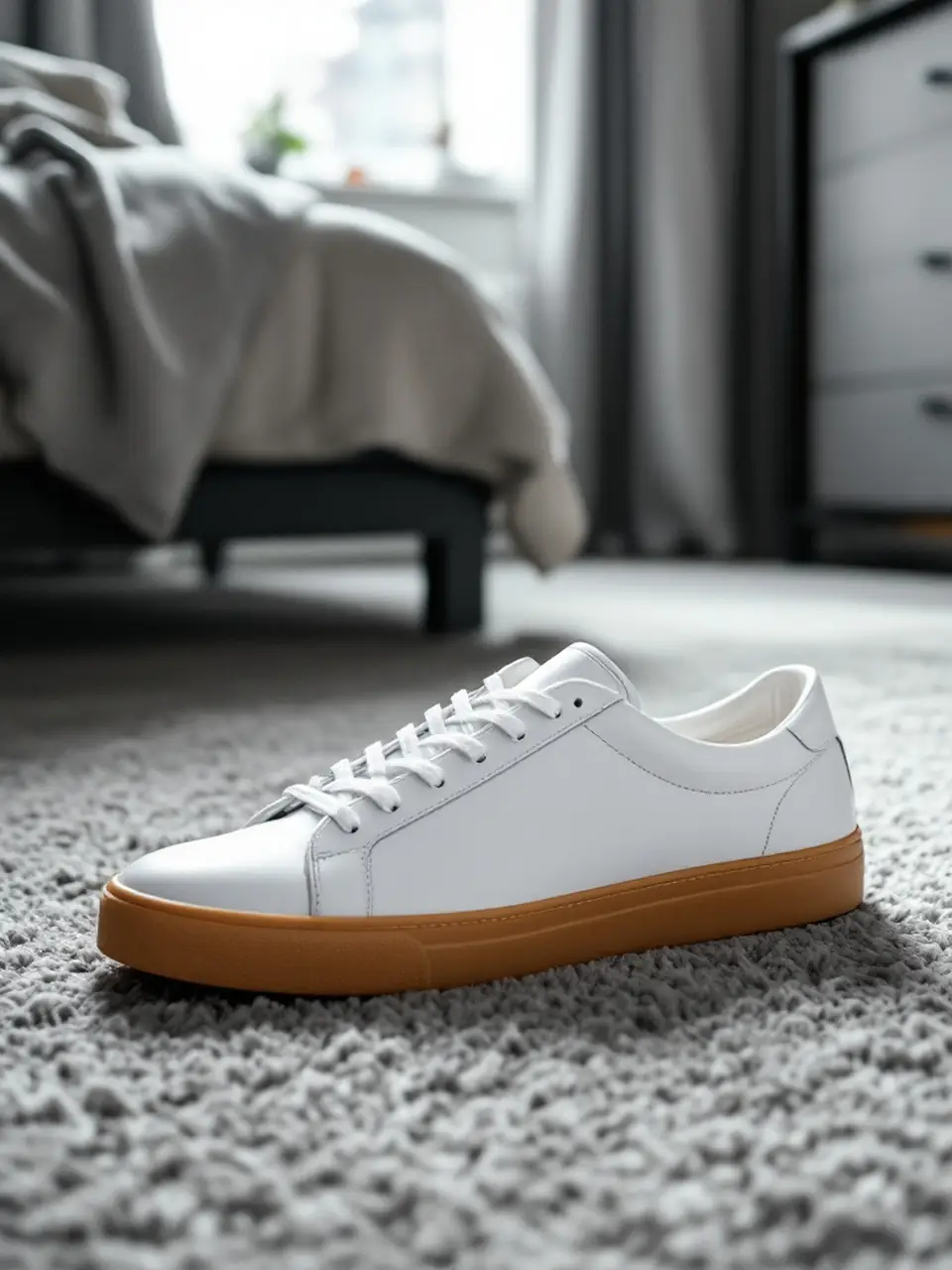
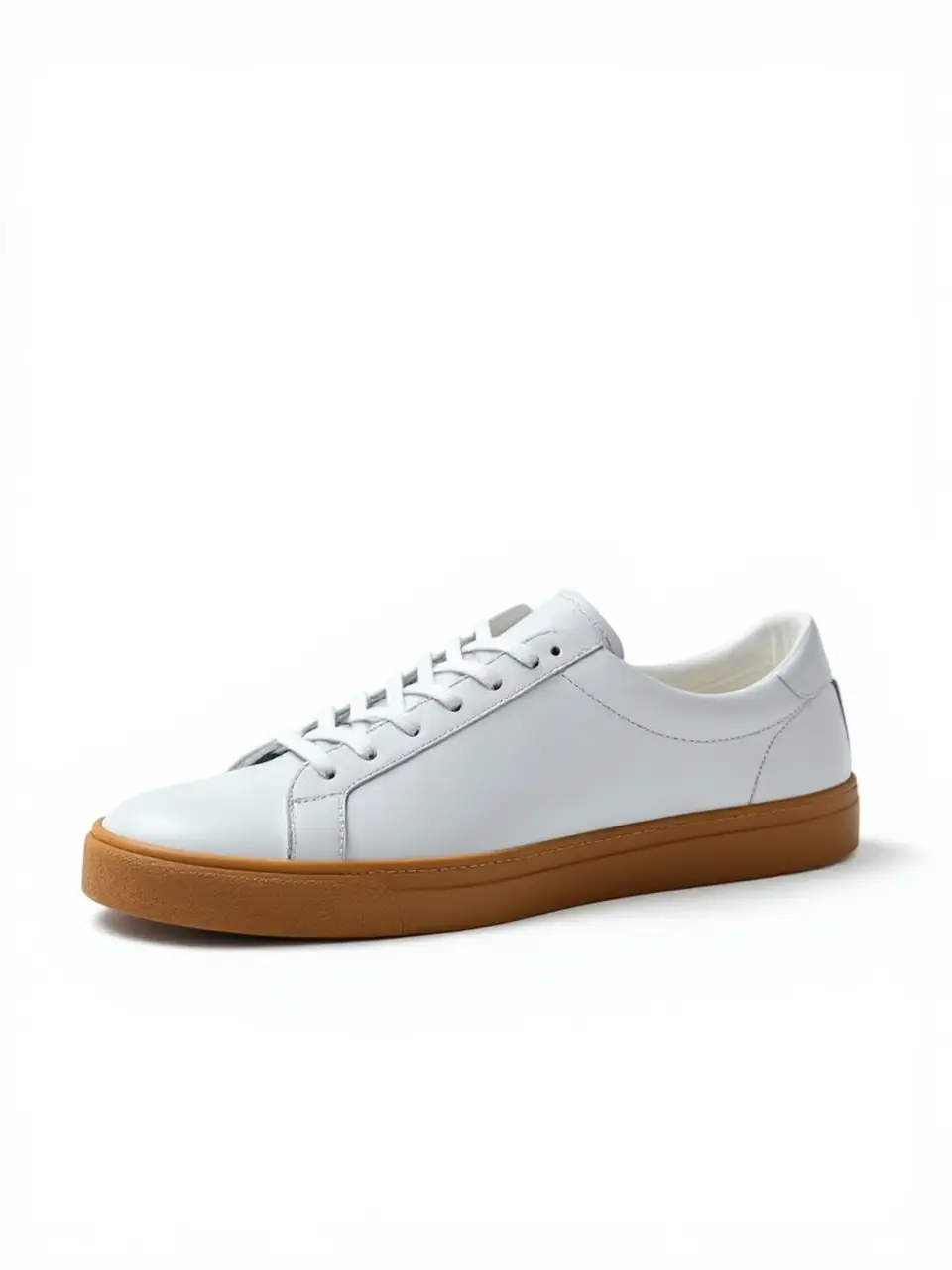
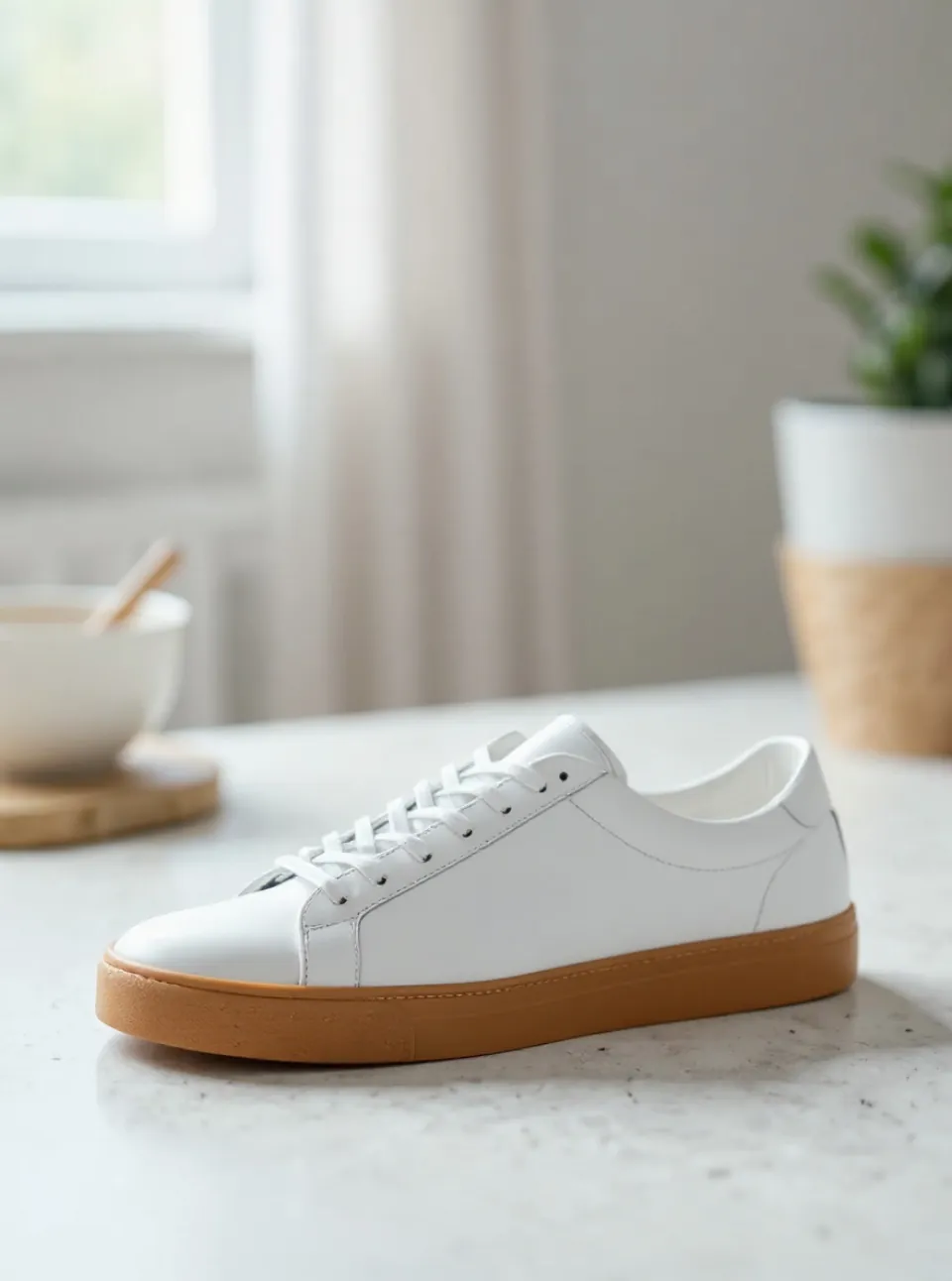
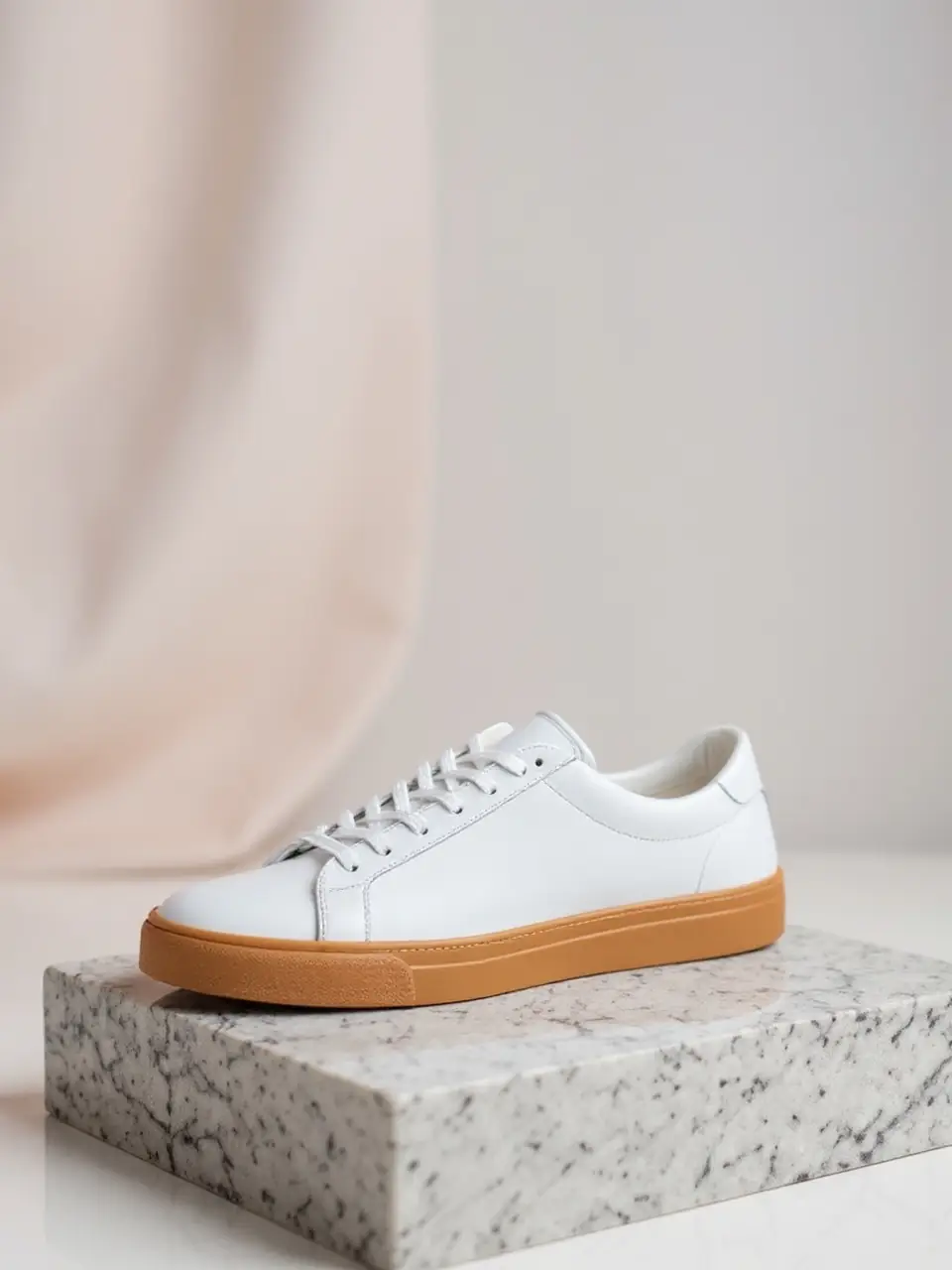
Sample phone photo made for this page. Every result is unedited Viszy output. Generated images can change your product’s shape, colours, logo or label text. Check them against your original photo before publishing.
Credit where it's due
Which tool, for which job
Each comparison describes the other tool from its own website, dated and linked, and says plainly where it is the better pick.
01 · Photo editor app
Viszy vs Photoroom
Choose Photoroom ifYou edit lots of photos on your phone and want a native iPhone or Android app.
Choose Viszy ifYou want the whole listing from one phone photo: main image, scenes, infographic, copy and sizes.
02 · Design suite
Viszy vs Canva
Choose Canva ifYou design far more than product photos: social posts, presentations, flyers and print.
Choose Viszy ifYou want listing images done from one phone photo: main image, scenes, infographic and every size.
03 · AI backgrounds
Viszy vs Pebblely
Choose Pebblely ifYou want lots of styled backgrounds every month, from templates or scenes you describe in your own words.
Choose Viszy ifYou shoot a launch or a seasonal range, and would rather pay once than every month.
04 · Design canvas
Viszy vs Flair AI
Choose Flair AI ifYou want to art-direct each shot yourself, placing props on a canvas.
Choose Viszy ifYou want the whole listing from one phone photo, with nothing to arrange or train.
05 · Photo and video editor
Viszy vs Pixelcut
Choose Pixelcut ifYou edit on your phone and want a native iPhone or Android app.
Choose Viszy ifYou're launching a few products and would rather pay once than US$10 every month.
06 · Catalogue enhancement
Viszy vs Claid.ai
Choose Claid.ai ifYou run a large catalogue through an API, with batch processing and volume pricing.
Choose Viszy ifYou'd rather pay once than commit to a monthly credit plan.
07 · Background replacement
Viszy vs Mokker AI
Choose Mokker AI ifYou want to steer each background with your own reference photos, or set exact brand colours.
Choose Viszy ifYou want the whole listing from one phone photo: main image, scenes, infographic, title, bullets and sizes.
08 · Studio photography & AI edits
Viszy vs soona
Choose soona ifYou want to send in physical products and review photos during a live studio shoot.
Choose Viszy ifYour product is already photographed and you need the rest of the listing.
09 · Shopify admin photo editing
Viszy vs Shopify Magic
Choose Shopify Magic ifYour product image is already in Shopify and you want to change its background in place.
Choose Viszy ifYou want your Shopify collection grid to use the same square canvas across products.
10 · On-model fashion imagery
Viszy vs Botika
Choose Botika ifYour clothing catalogue needs photos of garments worn by a person.
Choose Viszy ifYou want a white main image, gallery scenes and copy for products across categories.
11 · Individual photo editing tools
Viszy vs Clipdrop
Choose Clipdrop ifYou have one editing job to do, such as removing a background or adjusting a photo’s lighting.
Choose Viszy ifYou need a finished listing rather than one edited image.
Not sure yet?
Try Viszy on your own photo
Try one photo free, without an account, then 10 starter credits once. See a lifestyle scene and a callout infographic on your own product before you pay anything.
Whichever you compare
What Viszy always gives you
01
The whole listing from one photo
One click makes a listing pack: a pure-white main image, two scenes, and a callout infographic with your selling points set in real type, plus a title and bullets fitted to your marketplace.
02
Clips and voiceovers on the same credits
Turn a finished photo into a promo clip, a product reveal, or a turntable spin made from your front and back photos, for 20 credits each. A store voiceover is 1 credit. Every paid credit works for video, the Launch Pack included.
03
Every marketplace size in one download
The size pack fits your product whole on white, never cropped: Amazon 2000 × 2000, TikTok Shop 1200 × 1200, Shopify 2048 × 2048, Etsy 2500 × 2000 (under 1 MB) and eBay 1600 × 1600. Square, portrait and story versions (1:1 · 4:5 · 9:16) come with it.
04
Buy without an account
Pay for the Launch Pack, or any credit pack, as a guest, in your own currency. Afterwards you create an account, or sign in, and the credits are added to it. Nothing renews.
Pricing
Start for $9 USD. Subscribe only if you want to.
Credits are the one allowance, and you see the cost before you make anything.
1 credit = 1 image · a listing pack = 4 · a 5‑second clip = 20 · a voiceover = 1
- FreeFreeTry one photo without an account, then 10 starter credits once. Watermarked, for personal use.
- Plus$19 USD/mo200 credits a month, batches of up to 10 products. Or $15 / month billed yearly ($180/yr) USD.
- Pro$39 USD/mo460 credits a month, batches of up to 25 products, priority processing. Or $29 / month billed yearly ($348/yr) USD.
- Studio$89 USD/mo1,100 credits a month, batches of up to 50 products, priority processing. Or $69 / month billed yearly ($828/yr) USD.
One-off · no subscription
Launching 1–3 products? Buy credits once.
Watermark-free with a commercial licence. Pack credits stay on your account until you use them.
- Launch Pack$9 USD50 credits · ~12 listing packs
- 100 credits$12 USD100 credits · ~25 listing packs
- 300 credits$29 USD300 credits · ~75 listing packs
Prices include VAT. Checkout shows and charges your own currency.
See every planQuestions
Questions sellers ask
How is Viszy different from the tools it's compared with?
Each of them is strong at its own job, from photo editing and design to AI backgrounds. Viszy is built for one job, the marketplace listing: one phone photo becomes a pure-white main image, lifestyle and studio scenes, a callout infographic, a title and bullets, and every marketplace size, with promo clips and voiceovers on the same credits.
Do I need a subscription to use Viszy?
No. Try one photo free without an account, then 10 starter credits once. The Launch Pack is 50 credits, bought once, about 12 complete listing packs, and pack credits stay until you use them. Plans are there for shops that list every week.
Will Viszy change my product's label, logo or shape?
Generated images can change your product’s shape, colours, logo or label text. Check them against your original photo before publishing.
How are these comparisons checked?
Each page describes the other tool only from that tool's own website, says when it was checked, links the source, and credits what the tool does well. Plans change, so check each tool's own pricing page for current prices.
Can I keep the tools I already use?
Yes. Viszy works from a normal phone photo and its images download as JPEG files, so you can keep your editor or design tool for everything else and use Viszy for the listing.
Your next listing
Starts with the photo already on your phone.
Make one free lifestyle image with your own product. No account or card needed.